Quick Start
From a fresh install to a working item rule.
This walkthrough takes you from a fresh install to a working item rule. It assumes BCXIR and BCX are installed (see Install).
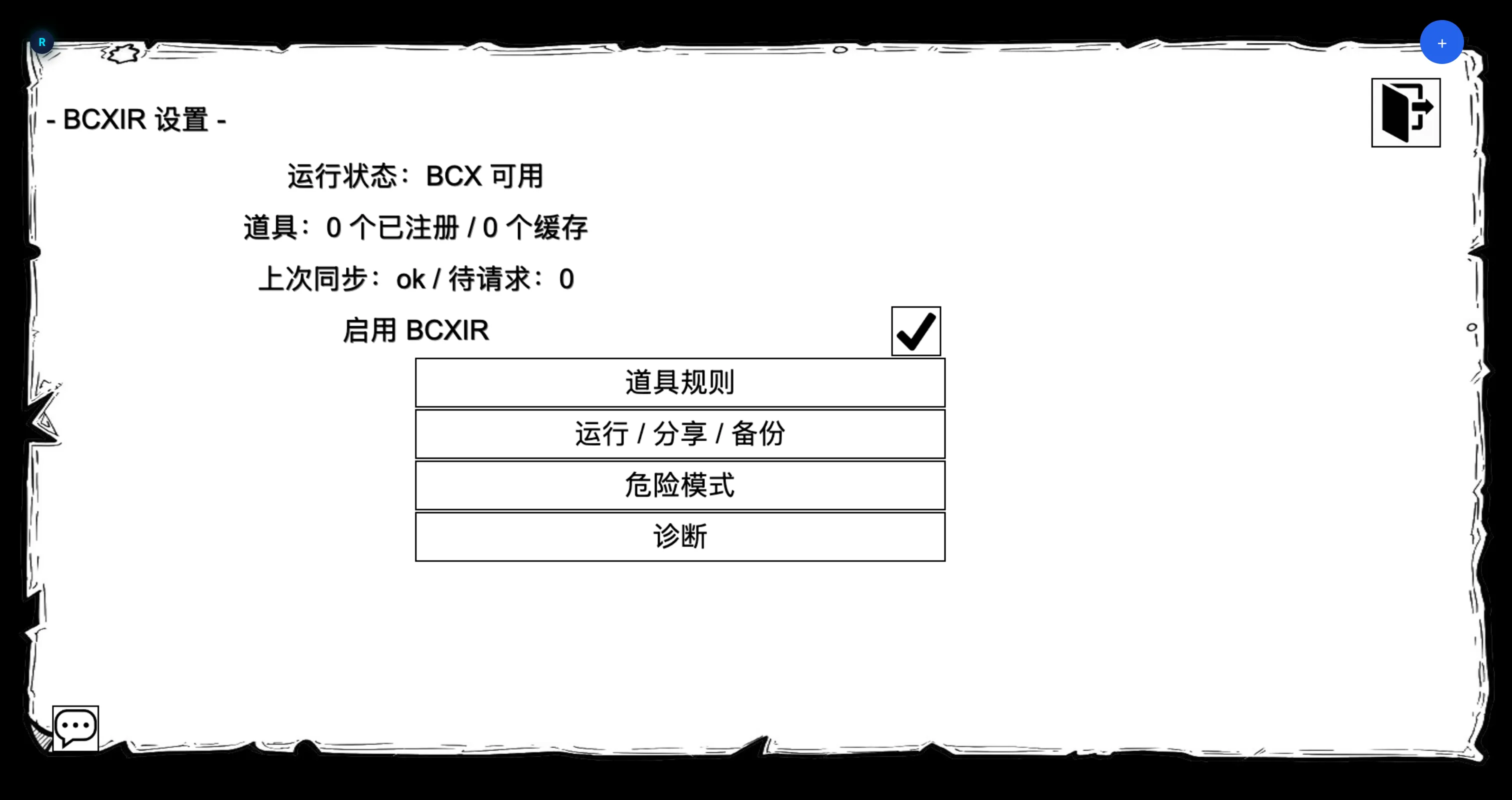
1. Open BCXIR Settings
Open the Bondage Club extension settings menu and choose BCXIR Settings. The main page shows status and links to the sub-pages: Item Rules, Runtime & Permissions, Cache & Sharing, Import / Export, Debug / Diagnostics, and Advanced.
2. Create an item rule entry
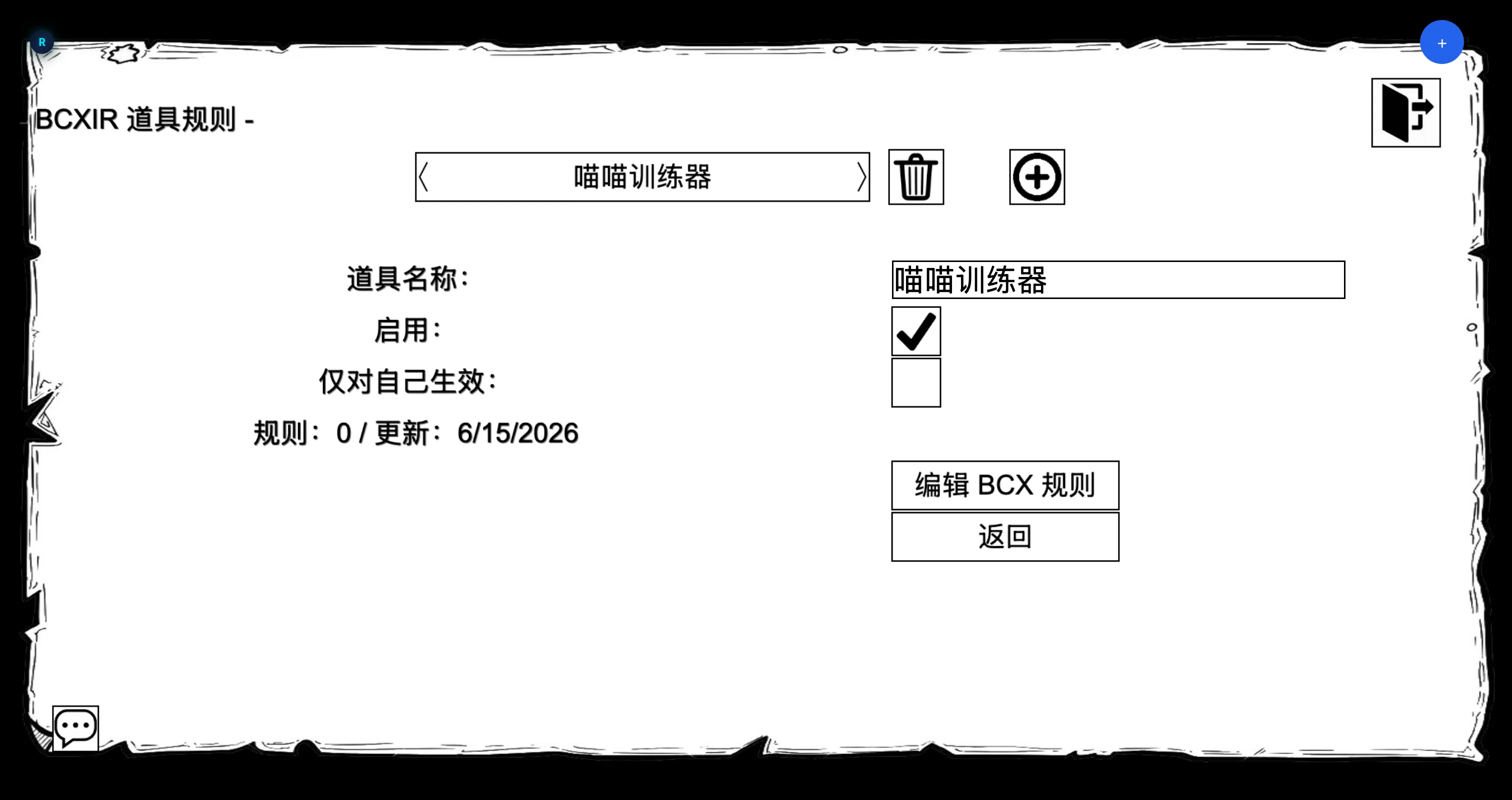
- Open Item Rules.
- Choose Create / Add and enter the exact crafted item name you want to attach rules to (for example,
Strict Blindfold). - The new entry appears in the list, enabled, with an empty rule payload.
Name matching. The entry name must match the crafted item’s name exactly. BCXIR matches worn crafted items against your registry by name.
3. Edit the rules
- Select your entry and choose Edit BCX Rules.
- BCXIR opens a temporary virtual BCX authoring character and shows the familiar BCX Rules interface.
- Add and configure the BCX rules you want this item to carry.
- Choose Finish / Save. The rules are written back to your BCXIR registry entry — not to your own BCX.
See Creating Item Rules for the full authoring flow.
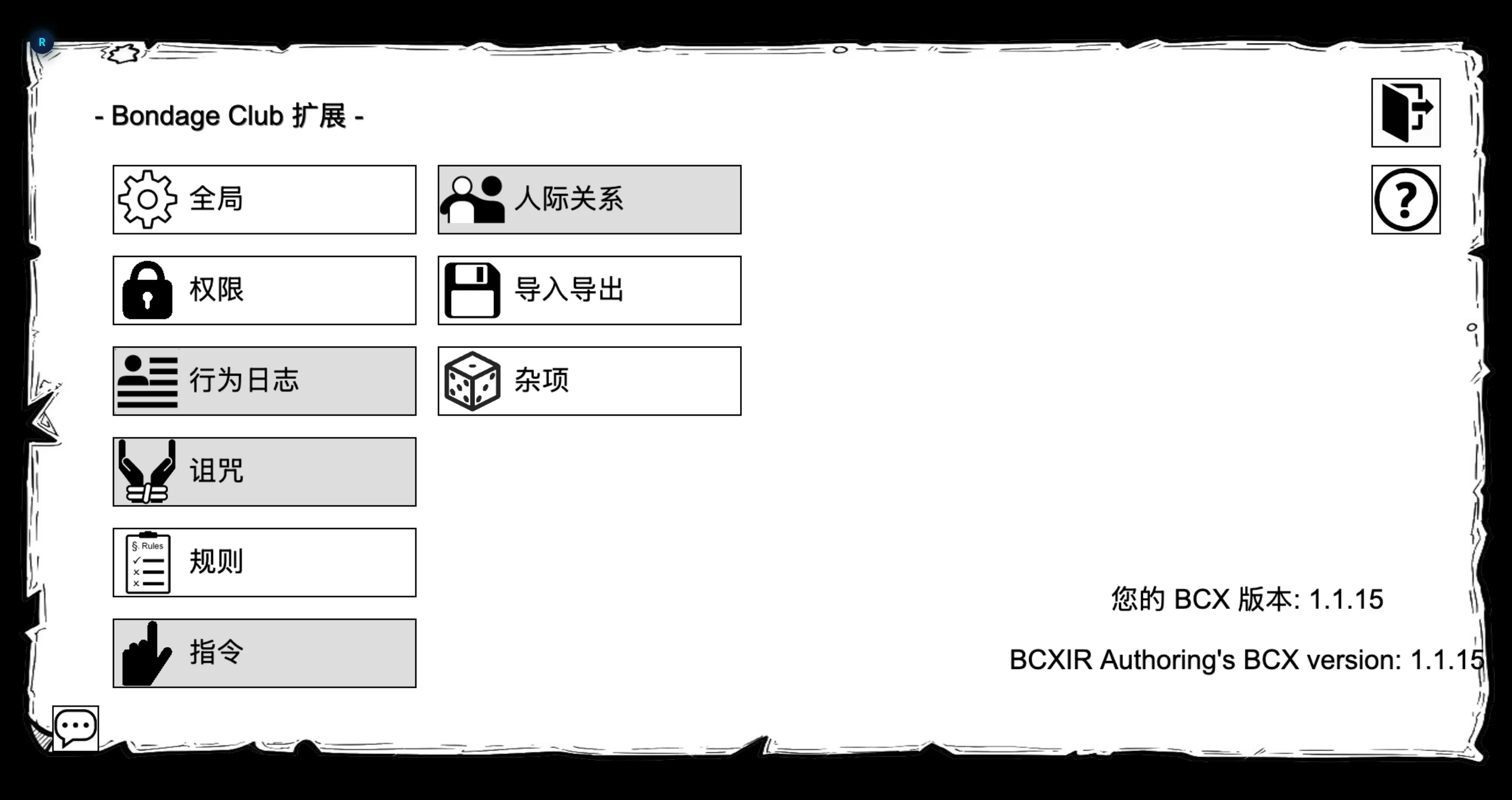
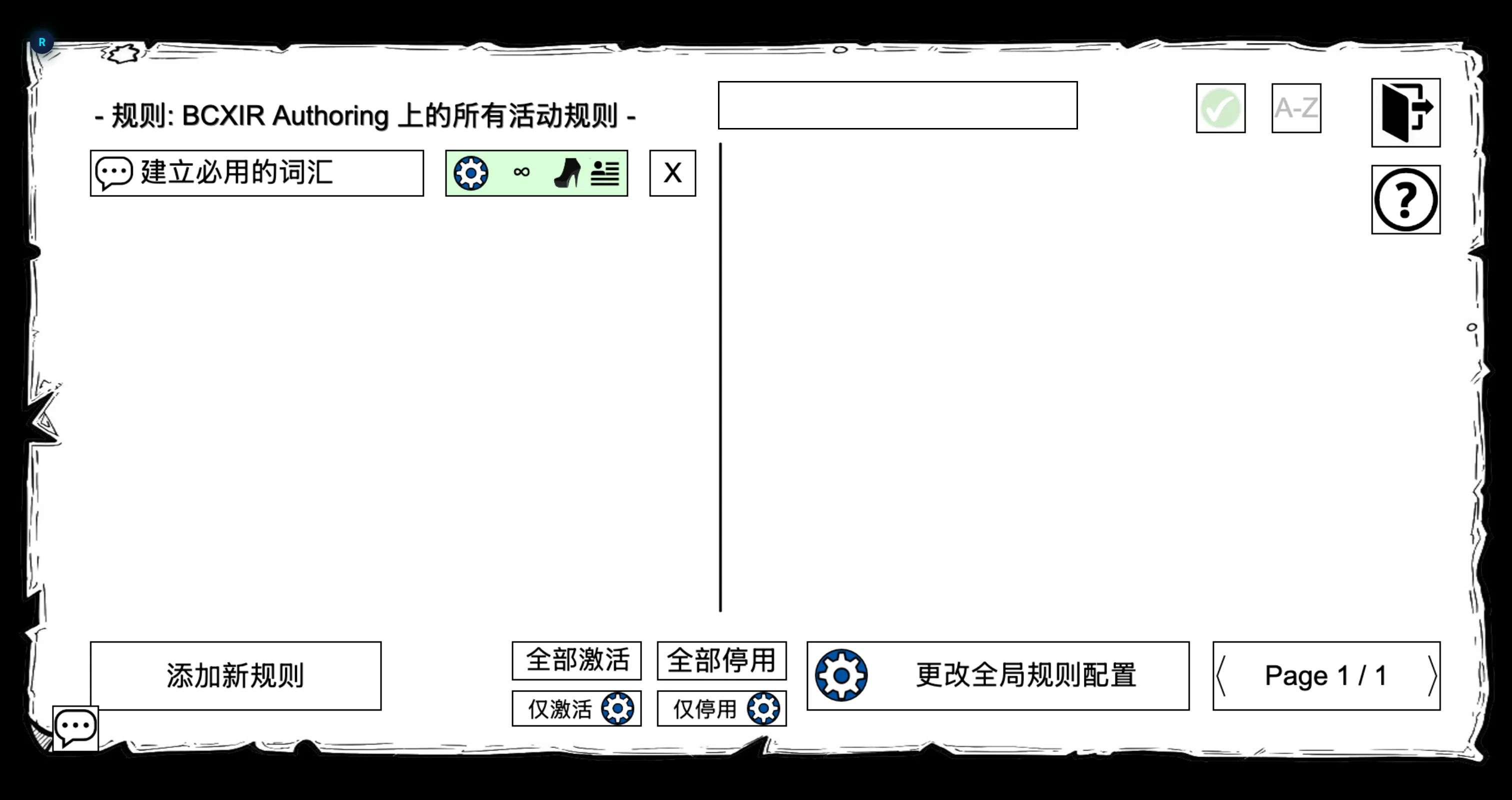
Opening the editor takes two steps:
-
On the virtual authoring character’s BCX extensions menu, choose Rules.
-
The BCX Rules list opens. Use Add new rule to create and configure rules.
4. Wear the item and see it apply
- Craft (or already own) an item whose name matches your entry — created by you.
- Wear it.
- BCXIR detects the match and applies the registered rule payload to you locally through BCX.
When you remove the item, BCXIR restores or removes the rule it managed, leaving your other BCX rules untouched.
5. (Optional) Let others use your item
If you give the crafted item to another player, their game can request the rules from you on demand and cache them locally. This is covered in Sharing & Permissions.
What next?
- Creating Item Rules — the authoring flow in depth.
- Sharing & Permissions — remote requests, caching, creator vs. self mode, self-only and foreign-item controls.
- Settings Reference — every page and option.